

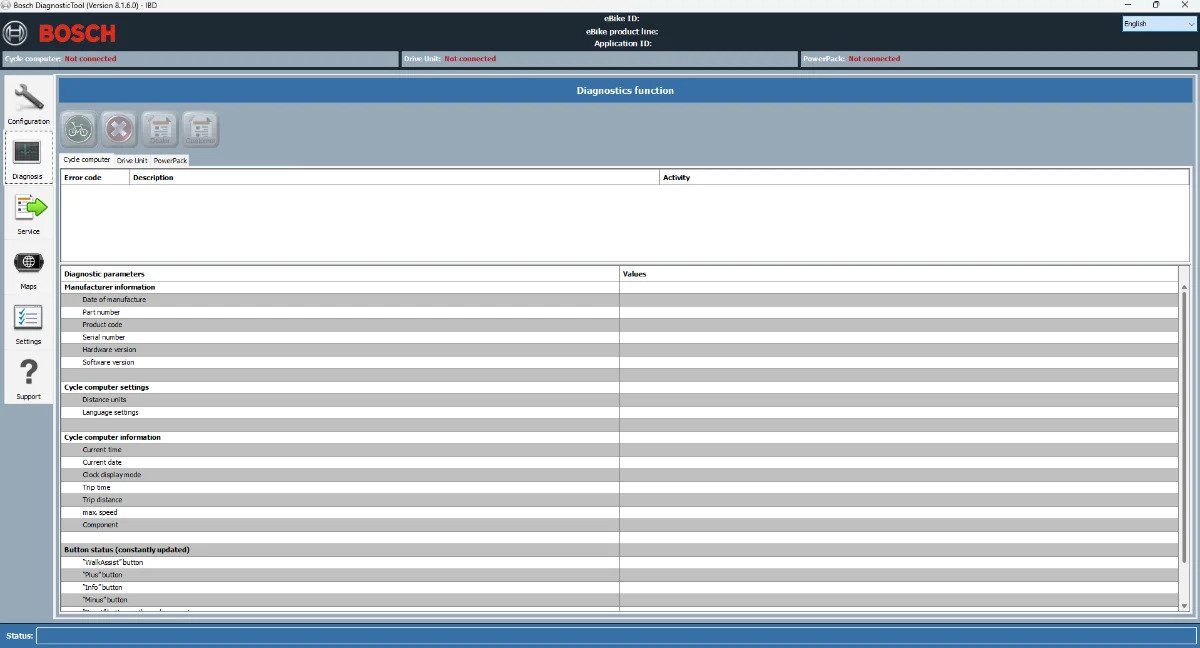
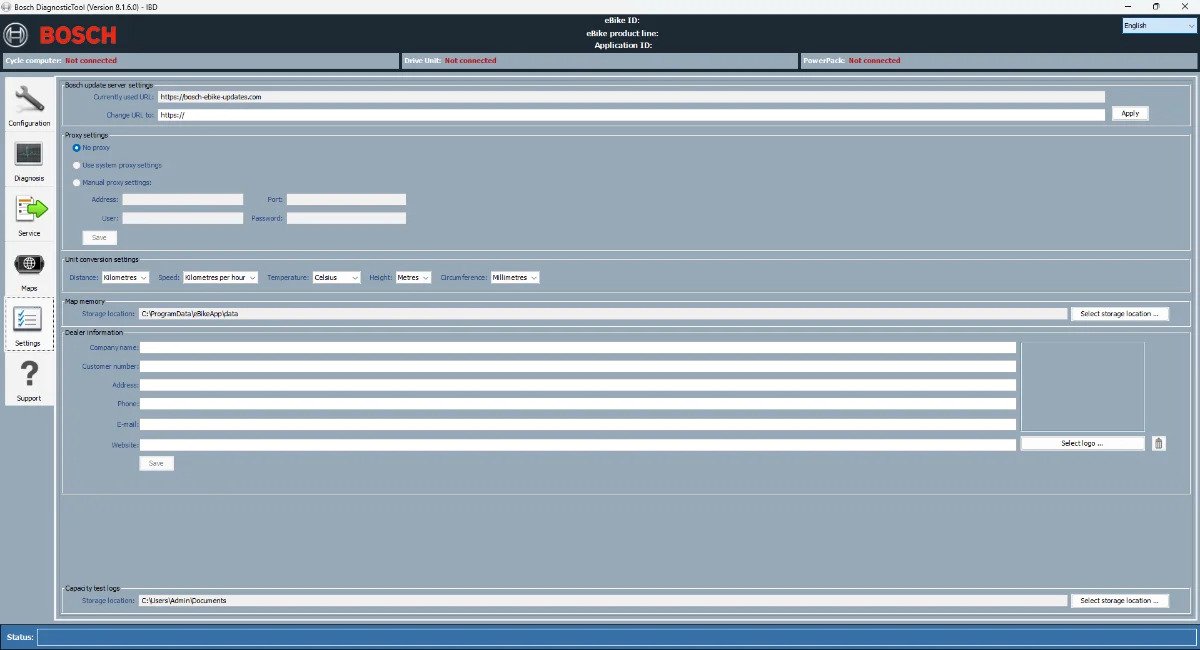
How to patch:
Make sure you have BoschDiagnosticTool v8.1.6.0.0 installed
1- Go to C:\Program Files (x86)\Bosch DiagnosticTool\bin
2- Replace the JAR files with the files provided here.
If you want to save the original files, copy them to ANOTHER directory. Do not simply rename original files in the original directory.
If the files are not writable, try stopping Bosch Lock Service.
After patching, you need to restart your computer if you have stopped Bosck Lock Service.
Start the program after approx. 5 seconds. Dongle call goes away…
Have fun



Felix Maier (verified owner) –
Top Produkt, funktioniert ohne Probleme und keine Fehlermeldungen