
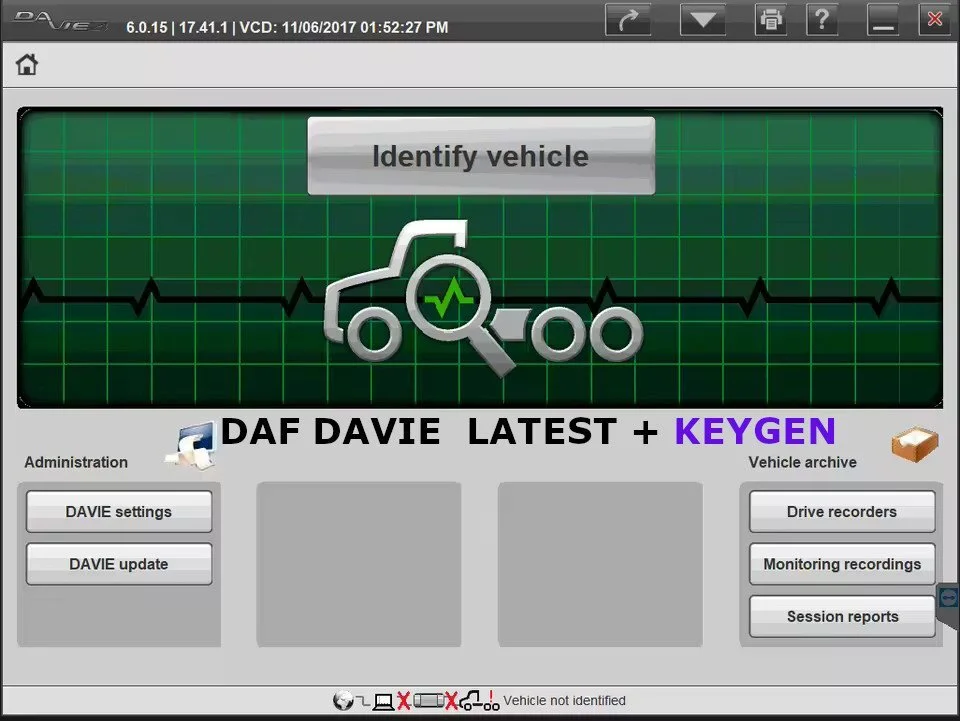
DAF DAVIE LATEST + KEYGEN
– Close Davie
[1] – Install “Original bin” and “Original Daf Base” (replace all existing files)
[2] – Go to ‘C:\DAVIE\home\bin’ and DELETE ”SIDIS ADMX Davie 3:ADM Siemens AG” Application (3.39mb)
[3] – Generate HWID
[4] – Start “Keygen” and pick file created by Hwid.exe (EXPIRE_FIX_30002\2.Get_HWID\*******.txt)
[5] – Copy license file (EXPIRE_FIX_30002\2.Get_HWID\DavieLic.ini) to the root directory of drive “C:\”
[6] – Run fix (EXPIRE_FIX_30002\4.Instal_Fix\Davie561Fix.exe)
– Restart OS.


Reviews
There are no reviews yet.